
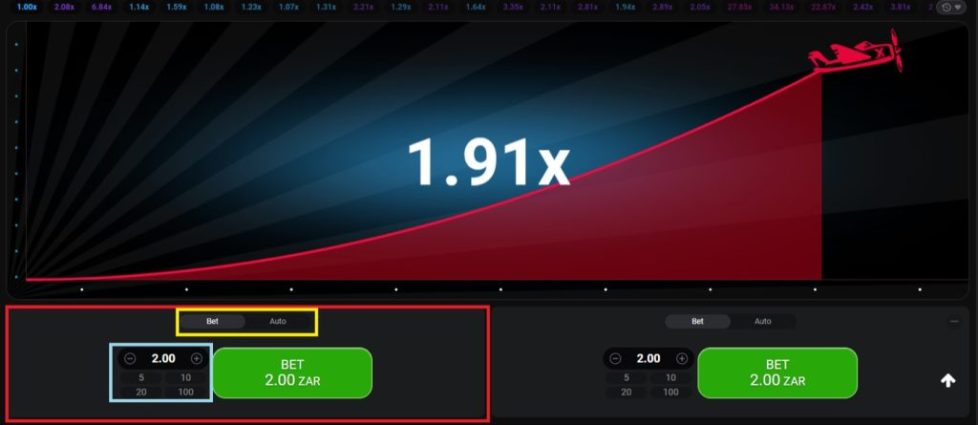
Aviator fixes the crash point before the plane takes off. A player can check that process after the round by using the inputs revealed by the game and the verification tool inside the interface.
This matters when a player questions a low multiplier, a timed-out cash-out or a result that looks different from an account view. The check does not predict the next round. It tests whether the completed round matches the information committed before it started.
Hash Before Take-Off
Aviator publishes a SHA-256 hash of the server seed before each round. The game fixes the crash point before take-off, so the result cannot be changed after the round starts.
The hash is a commitment, not the full server input. It lets players see that the server had already committed to a value without showing the value itself before the round. After the round, the game reveals the inputs needed for checking.
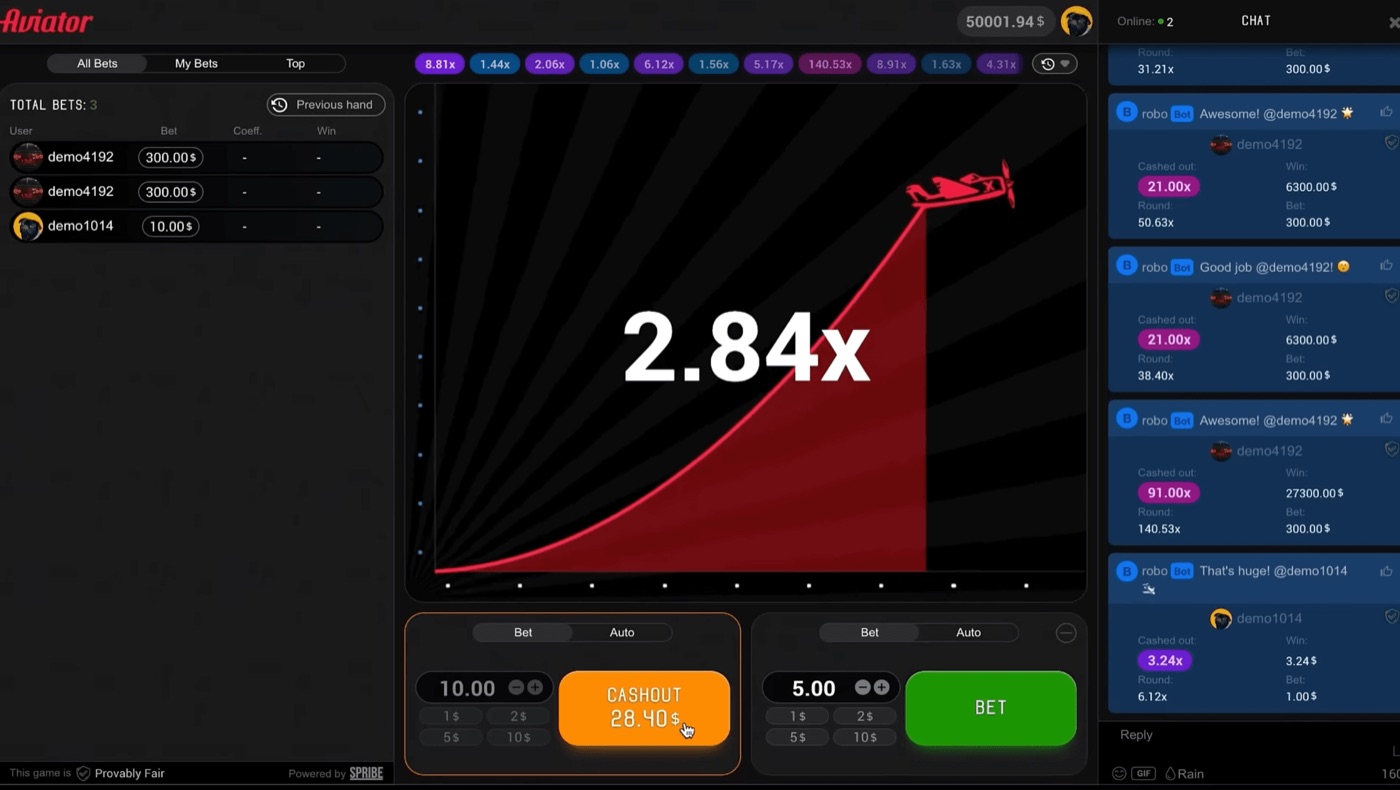
Aviator shows the live betting interface, chat and a cash-out at 28.40.
SHA-256 turns the server seed into a fixed hash. A later comparison can show whether the revealed server seed produces the same earlier hash. If it does, the server seed has not been replaced after the round.
- The server creates a server seed.
- Aviator publishes the SHA-256 hash of that seed.
- Players provide client seeds through the game process.
- The round combines the server and client inputs.
- The game reveals the inputs after the round.
The hash does not reveal the crash multiplier on its own. It also does not provide a signal for the next round. The point is retrospective verification.
Client Seeds And Inputs
Aviator combines client seeds from players with the server seed. The combined inputs determine the crash point before the round begins.
The client seed gives player-side input to the provably fair process. The revealed inputs allow a completed round to be checked instead of accepted only on the operator’s display.
A disputed round therefore has two different questions. The first asks whether the result was committed before take-off. The second asks whether the displayed multiplier and the revealed values match the game’s verification calculation.
| Item | When it appears | Purpose |
|---|---|---|
| Server seed hash | Before the round | Commits the server to a hidden server seed |
| Server seed | After the round | Lets the earlier hash be checked |
| Client seed | Used in the round process | Adds player-side input to the calculation |
| Crash point | Fixed before take-off | Sets when the plane leaves the round |
| Verification tool | After the round | Checks the revealed inputs and result |
Players should record the disputed round’s visible information before moving on when possible. The relevant details are the round result, the hash shown before the round and the revealed values available afterward.
- Note the displayed crash multiplier.
- Keep the pre-round SHA-256 hash.
- Open the revealed server and client inputs after the round.
- Use the in-game verification tool.
- Compare the tool’s result with the round display.
A client seed does not make the next multiplier predictable. The crash point remains unknown before the inputs are revealed, even though the process is committed before take-off.
Using The In-Game Tool
Aviator places the verification tool inside the game. The tool checks the revealed inputs against the completed round instead of relying on a prediction app or outside calculator.
The Provably Fair badge identifies the relevant game area. The check applies after the round because the required inputs are revealed only after the result is complete.
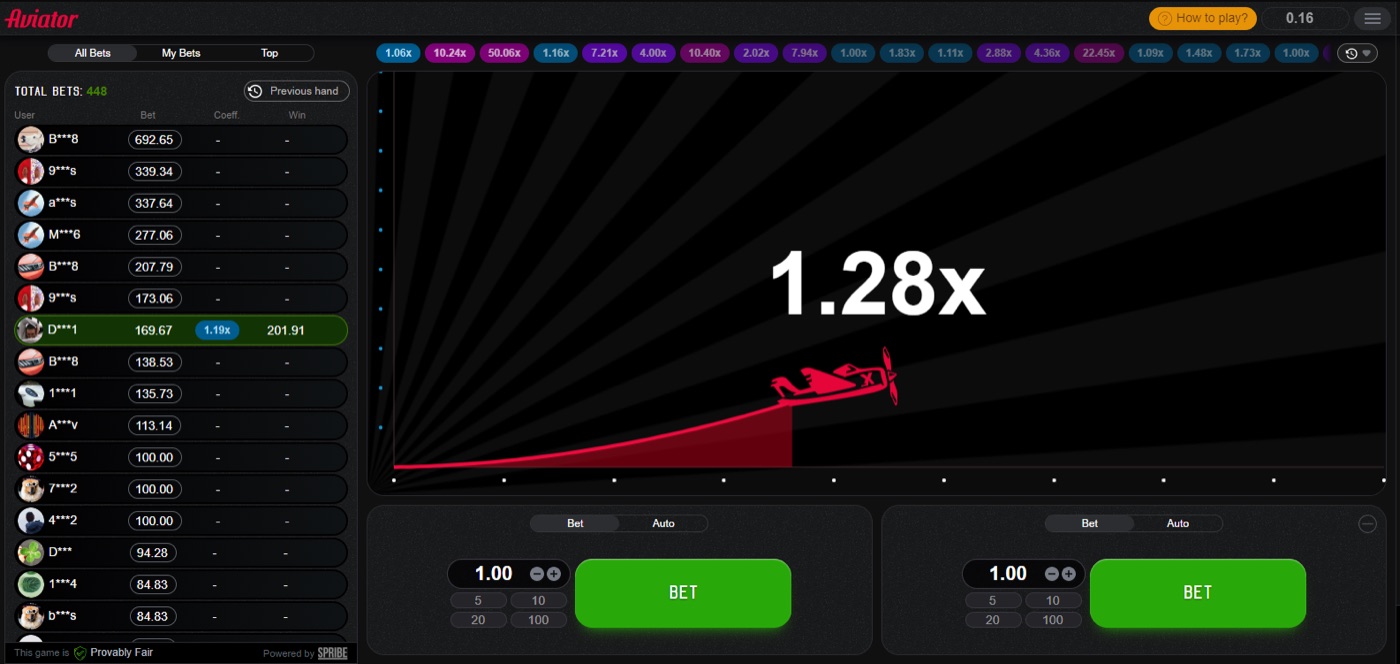
The plane is in flight while the round multiplier increases toward its fixed crash point.
Check A Completed Round
- Open the Aviator round history or the relevant completed round.
- Find the Provably Fair area in the game interface.
- View the server seed hash that was published before the round.
- Open the revealed server seed and client seed information.
- Enter or load the revealed inputs in the in-game verification tool.
- Run the check and compare the calculated result with the recorded multiplier.
The exact control labels can depend on the operator’s presentation of Aviator. The verification principle remains the same: the pre-round hash should match the later server seed, and the revealed inputs should produce the recorded crash point.
Suppose the completed round shows 1.91x. The player should check the inputs for that round, not use 1.91x as a forecast for the next one. A successful check confirms that the completed result follows the committed process.
The tool cannot reverse a lost stake. It cannot change a cash-out record. It can show whether the round data is consistent with the provably fair calculation.
Multiplier And Cash-Out Evidence
Aviator has an RTP of 97% and a house edge of 3%. A round can crash at 1.00x, and about 3% of rounds do so, or roughly 1 in 33.
The probability that a round reaches multiplier m is 0.97 divided by m. These probabilities describe the game model, but they do not prove or disprove one particular completed round.
| Target multiplier | Probability of reaching it |
|---|---|
| 1.2x | 80.8% |
| 1.5x | 64.7% |
| 2x | 48.5% |
| 3x | 32.3% |
| 5x | 19.4% |
| 10x | 9.7% |
| 20x | 4.85% |
| 50x | 1.94% |
| 100x | 0.97% |
Every cash-out target has an expected value of minus 3% of the stake. A different target changes variance, not the house edge. The game is high variance, so a long run of low results can occur without changing the verification process.
A cash-out complaint needs separate evidence. The request must reach the server before the crash. Guides attribute time-outs to latency or a slow device, while the round itself remains fixed before take-off.
When a player uses a crash game for real stakes, a verification result and a cash-out result are not the same record. The first concerns the round’s fairness inputs. The second concerns whether the cash-out request arrived before the crash.
A player checking a multiplier should separate these points:
- The displayed crash point.
- The chosen cash-out target.
- The time the cash-out request was sent.
- Whether the request reached the server before the crash.
- The revealed inputs used by the verification tool.
For example, a 2x target has a stated 48.5% chance of being reached. A result below 2x is not, by itself, evidence of a changed round. The round data still needs to be checked.
Players comparing stake options on a bookmaker may see different typical stakes, from about $0.10 to $100 per bet, depending on the operator. For a crash game, multiplier and cash-out records should remain separate from the stake setting.
Disputes And Common Errors
Aviator rounds last about 8 to 30 seconds. The game runs about 60 to 90 rounds per hour, with a few seconds between rounds.
Players commonly dispute instant crashes, account differences and cash-out time-outs. The hash process addresses the completed round, while connection issues can affect a cash-out request before the crash.
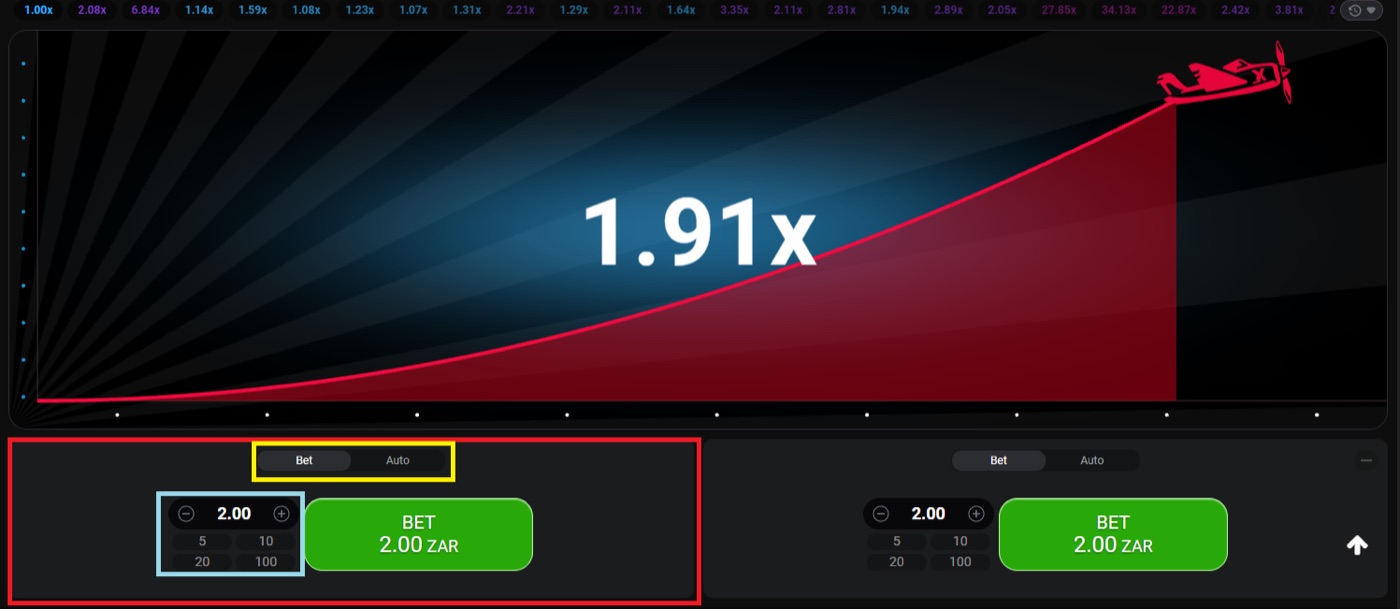
The desktop interface shows a 1.91x round with two separate bet panels.
Instant Crash At 1.00x
About 3% of rounds crash instantly at 1.00x. That outcome can feel unusual, but its occurrence is included in the stated game probabilities. The correct response is to check the round inputs rather than infer a pattern from one result.
Different Results Per Account
Client seeds from players form part of the combined input. Different client inputs can therefore produce different round results. A different result does not automatically mean that an account received a changed version of the round.
Cash-Out Time-Out
The cash-out request must reach the server before the crash. Latency or a slow device can delay the request, so a time-out complaint requires the cash-out record and the round result, not only the pre-round hash.
Predictor Claims
A prediction app cannot know the crash point before the round because the result is committed by a hash and the inputs are revealed after the round. Telegram signal bots resell public maths, while third-party “Aviator” and “Aviator Predictor” apps are not a standalone official Aviator app from Spribe.
- Do not treat a previous multiplier as a forecast.
- Do not treat a graph as proof of a future result.
- Do not use a predictor to replace the in-game verification tool.
- Do not confuse a cash-out delay with proof that the round changed.
- Do not use a successful past check to predict the next round.
During a real-money crash game session, players may also encounter an external search result such as betika login aviator; that phrase does not alter the multiplier, cash-out process or verification evidence.
Responsible gambling means setting a loss limit before play and stopping when that limit is reached. Verification can test a round, but it cannot remove the 3% house edge.
Practical Verification Record
Aviator’s round history displays previous multipliers at the top of the interface. The game also shows a Provably Fair badge and live betting panels with separate cash-outs.
Two bet panels can have separate cash-outs in one round. A player should therefore record which panel, stake and cash-out request belongs to the disputed event.
- Write down the round multiplier shown in the history.
- Record the panel used and the stake attached to it.
- Record the selected cash-out target, if one was set.
- Save the pre-round server seed hash.
- Open the revealed server and client seed details.
- Run the in-game verification check.
- Compare the result with the displayed multiplier and cash-out record.
Auto Cash-Out uses a preset multiplier. Auto Bet or Auto Play can run for 10 to 100 rounds, with stop-on-win and stop-on-loss settings. These tools automate betting actions, but they do not change the verification inputs or the 3% edge.
A two-bet setup can create two separate records in the same round. One panel may cash out while the other remains active, so the player should not treat the round multiplier as proof that both bets settled identically.
Demo mode is available through an operator demo or demo.spribe.io and needs no registration. It can help a player locate the Provably Fair badge and verification controls before using a real stake.
A clear dispute record has three parts: the pre-round commitment, the revealed calculation and the cash-out event. Keeping these parts separate makes it easier to identify whether the question concerns the crash point or the delivery of a cash-out request.
Aviator FAQ
Aviator launched in early 2019. Spribe describes it as a social multiplayer game with an increasing curve that can crash at any time.
The game uses a pre-round SHA-256 hash, client seeds and revealed post-round inputs. Its in-game tool lets players check the completed round.
Can I predict the next Aviator multiplier?
No. The crash point is fixed before take-off, but the required inputs are revealed after the round. A hash confirms the completed process; it does not disclose a future multiplier.
What should I check first in a disputed round?
Start with the SHA-256 hash published before the round. Then open the revealed server and client inputs and use the verification tool inside Aviator. Compare the calculated result with the recorded multiplier.
Does a 1.00x crash prove that Aviator is rigged?
No. About 3% of rounds crash instantly at 1.00x, or roughly 1 in 33. The result should still be checked against the pre-round hash and revealed inputs.
Why did my cash-out time out?
The cash-out request must reach the server before the crash. Guides associate time-outs with latency or a slow device. A round verification check does not by itself show when the request reached the server.
Is there an official Aviator app from Spribe?
No standalone official Aviator app from Spribe is stated in the supplied information. Aviator runs inside a licensed operator’s website or app. Third-party predictor and clone apps do not provide a way to predict the committed crash point.